
Revealed: Ultimate Designing System
Master AutoCAD Like a Pro –
Anytime, Anywhere 2D & 3D
Step-by-step prerecorded classes designed for architects, civil engineers, and students –
Learn practical techniques, real project workflows, and boost your career at your own pace.
₹15,000/-₹499/- Only

For any Queries- Support@Rupeshrange.Com
(+91 79727 83232)

Duration- 33 hours,49 minutes, and 6 seconds.

Complete 1 Year
(Complete 12 Months)

Total 20 Tutorial Videos

Weekly Q & A + design review session for growth.

Prerecorded Lectures So, You access any time.

All the Lectures available in simple Hindi language.
What You’ll Learn Inside
This AutoCAD Masterclass
From basics to real project execution – a step-by-step curriculum designed for practical learning.

Chapter 1- Introduction
to AutoCAD
Gives an introduction to AutoCAD. The user interface and terminology are discussed in this chapter.

Chapter 2- Drawing Basics
in AutoCAD
Explores the basic drawing tools in AutoCAD. You will create simple drawings using the drawing tools.

Chapter 3- Drawing Aids
in AutoCAD
Explores the drawing settings that will assist you in creating drawings.
Chapter 4- Editing Tools in AutoCAD
Covers the tools required to modify drawing objects or create new objects using the existing ones.
Chapter 5- Multi View Drawings in AutoCAD
Teaches you to create multi-view drawings and standard projection techniques.
Chapter 6- Dimensions and Annotations in AutoCAD
Teaches you to apply dimensions and annotations to a drawing.
Chapter 7- Parametric Tools
in AutoCAD
Teaches you to create parametric drawings. Parametric drawings are created by using the logical operations and parameters that control the shape and size of a drawing.
Chapter 8- Section Views
in AutoCAD
Teaches you to create section views of a component. A section view is the inside view of a component when it is sliced.
Chapter 9- Blocks, Attributes and Xrefs in AutoCAD
Teaches you to create Blocks, Attributes, and Xrefs. Blocks are a group of objects in a drawing that can be reused. Attributes are notes or values related to an object. Xrefs are drawing files attached to another drawing.
Chapter 10- Layouts and Annotative Objects in AutoCAD
Teaches you create layouts and annotative objects. Layouts are the digital counterparts of physical drawing sheets. Annotative objects are dimensions, notes, and so on, whose sizes concerning the drawing scale.
Chapter 11- Templates and Plotting in AutoCAD
Teaches you create drawing templates and plot drawings.
Chapter 12- 3D Modeling
Basics in AutoCAD
Explores the basic tools to create 3D models.
Chapter 13- Solid Editing & Generating 2D Views
Covers the tools required to edit solid models and create new objects by using the existing ones.
₹15,000/- ₹499/- Only
For any Queries- Support@Rupeshrange.Com
(+91 79727 83232)
Over 35K+ Happy Users Around India Use
[Autocad Mastery]
Rahul S.
Civil Engineering Student
"This course made AutoCAD so simple! I was struggling with basic drafting, but now I can create complete floor plans and working drawings confidently. Perfect for beginners like me."
Pooja K.
Junior Architect
"I learned more in these prerecorded sessions than in months of college lectures. The real project examples are a game-changer – I already used these techniques in my site drawings."
Vikram P.
Site Engineer
"As a site engineer, I needed AutoCAD for quick revisions. This course saved me hours of trial and error. Now, I can even create 3D models to explain to clients easily!"
Sneha R
Drafting Intern
"I was completely new to AutoCAD, but the step-by-step approach made it so easy. Now I can draft approval drawings on my own – my boss was impressed!"
Amit B.
Freelance Civil Designer
"The 3D part of this course is amazing! I can now visualize my structures and explain them to clients confidently. Worth every rupee!"
Karan M.
Structural Consultant
"This course is practical and straight to the point. No unnecessary theory, only real project techniques. Perfect for working professionals."
Secure Your Spot & Get ₹30,000 in Free Bonuses!
🎁Bonus 1:
Autocad Crack
version file
Invaluable
🎁Bonus 2:
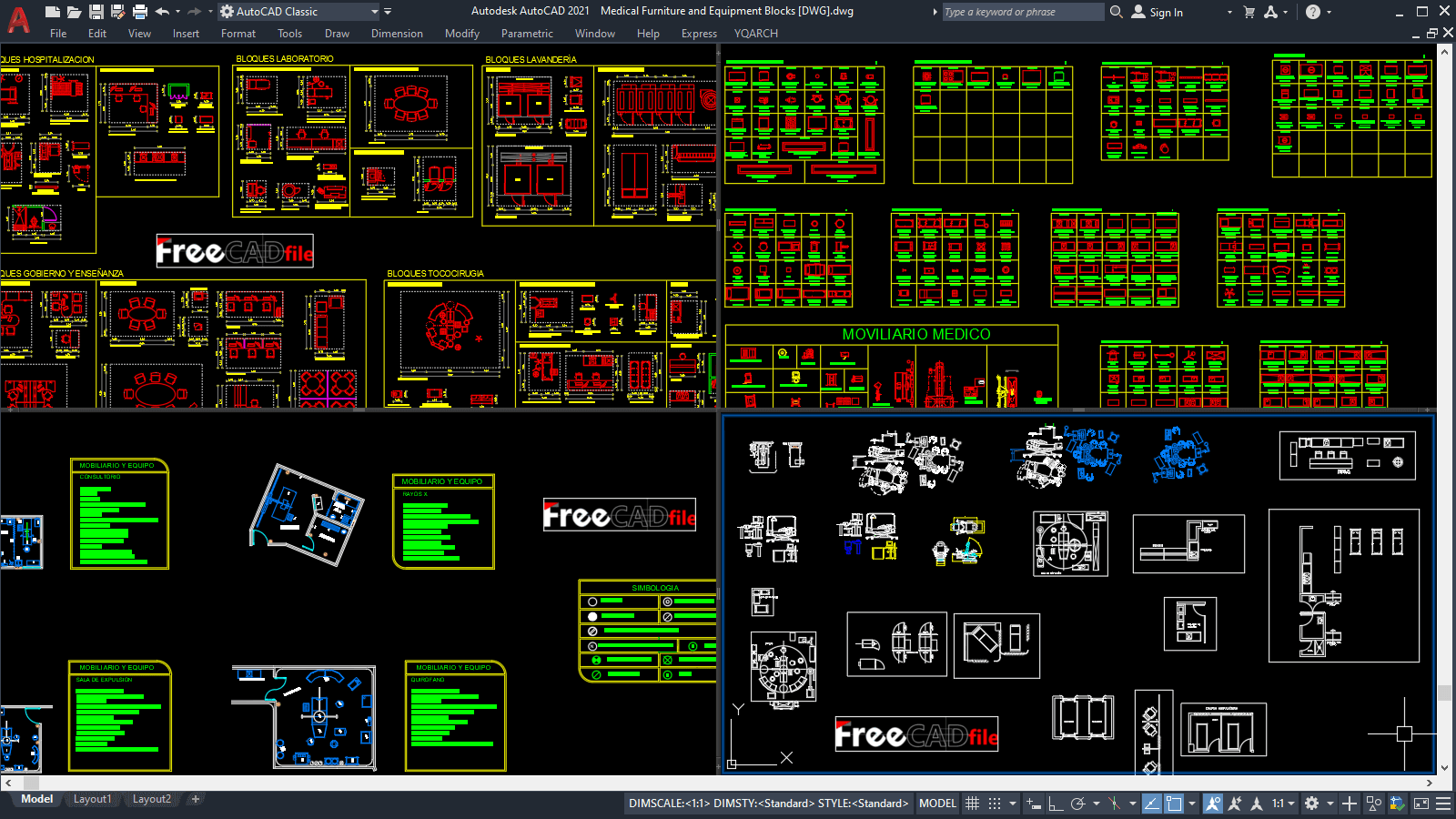
AutCAD Library- Templete file (DWG)
Invaluable
🎁Bonus 3:

YQ Arch plug-in
(Install and use)
Invaluable
🎁Bonus 4:

150 Autocad Shortcut & commands (E-Book)
Invaluable
🎁Bonus 5:
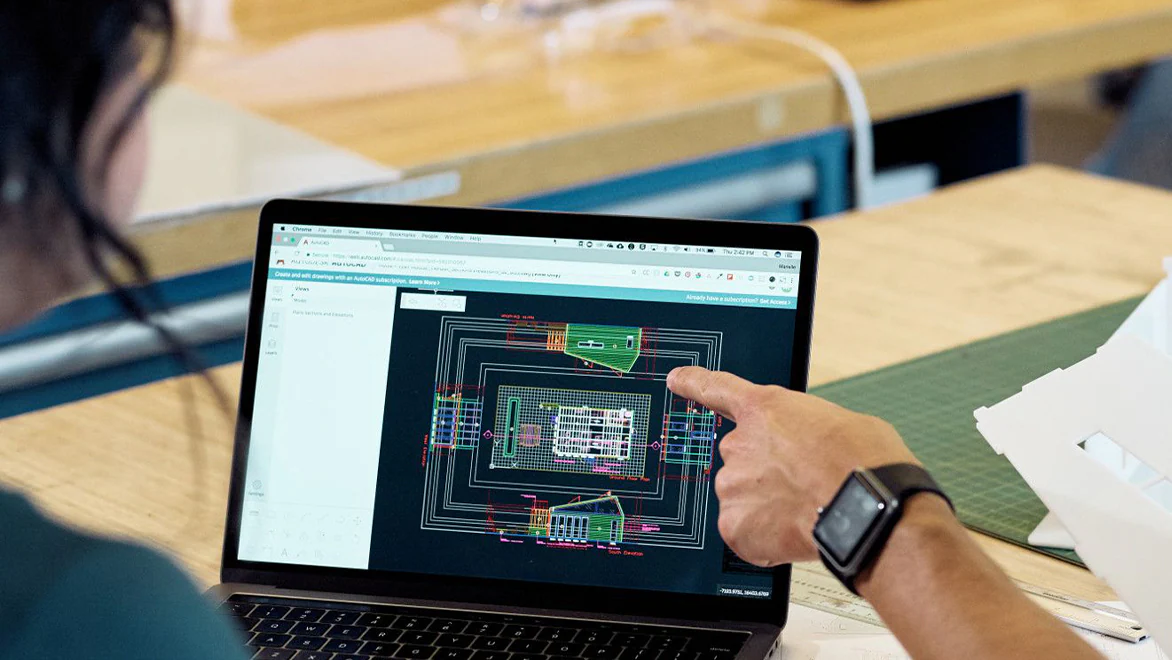
Sample DWG plan File- Completely Layered
Invaluable
🎁Bonus 6:

Daily YouTube Live-
on design Practice
Invaluable
COMPARISON TABLE
What We Giving You
WHAT OTHER GIVES
Step-By-Step Training
Few Gives
100% Satisfaction
Low Price High Value
Provide crack version
Some Time Not works
Daily YT live session
for design practice
550+ daily live sessions till now
No one is doing
Built-in Blocks
Teaches by field professional
Few are giving
Any Time, anywhere access -Prerecorded
Personal membership Portal
(No Junk traffic- smooth access)
How You will get Access & Autocad mastery demo
Step by Step Process So you can easily access it.
₹15,000/- ₹499/- Only
For any Queries- Support@Rupeshrange.Com
(+91 79727 83232)
what you will gain in Autocad Mastery
Fast & Accurate Drafting

Create precise 2D plans, sections, and elevations quickly, reducing manual drawing errors.
Professional Presentation

Present clean and detailed drawings that impress clients, contractors, and authorities.
Time & Cost Savings

Modify and update designs instantly, avoiding costly mistakes during construction.
Better Project Visualization (3D Advantage)

3D modeling helps visualize structures before execution, improving decision-making and client approvals.
Industry Standard Skill

AutoCAD is a mandatory skill in architecture, civil, and interior design fields—boosts job opportunities.
Easy Collaboration

Share DWG files with engineers, architects, and contractors seamlessly, ensuring everyone works on the same updated plan.
Approval & Permission Ready Drawings

Create municipal approval drawings, working drawings, and detailed documentation easily.
Increased Career & Freelance Opportunities

Open doors for freelance drafting, 3D visualization, and consultancy services.
Integration With Other Software

AutoCAD designs can be exported to software like Revit, SketchUp, STAAD, or 3ds Max for further detailing.
Confidence in Real Projects

Learn how to handle real-life construction challenges by practicing project-based drawings.

You will get a Course
Completion Certificate as well
You are just a step away
Frequently Asked Questions

How to get Access after Payment?
You will receive an email after purchasing Autocad Mastery Credentials with your login ID, username, & Password.
(If not received, please check your Spam folder as well.)
Is it for lifetime?
You will get a complete 1 year of access.
and extra charges for any future updates.
What if I didn't get access?
Don't worry, we are with you. You can connect with us at support@rupesharnge.com
It is live classes or pre-recorded?
All those are pre-recorded tutorials by professional teachers so you can access them anytime & anywhere with your regular jobs and college.
What if I have any Query?
We already included a Q & A session in it, which automatically resolves your queries. as well as we conduct daily YT live too @ 7:30 pm.
Will you provide software too?
We are providing a cracked version of the software which definitely helps you.
I don't have PC, still i can learn?
You can learn but, I sugest you please buy one used PC at least so you can practice it.
How much PC configuration is required?
At least i5 or i7 need, if extra graphic card is available then its bonus for you.
Is it safe for enrollment?
Yes definately we working from last 5 years and doing daily YT live too so you can connect with us any time.
Who can Enroll in This AutoCAD mastery?
Civil engineers, architects, interior designiner, draftman, Contractors & all the people who want to learn Autocad. (Students & working professionals)
₹15,000/- ₹499/- Only